
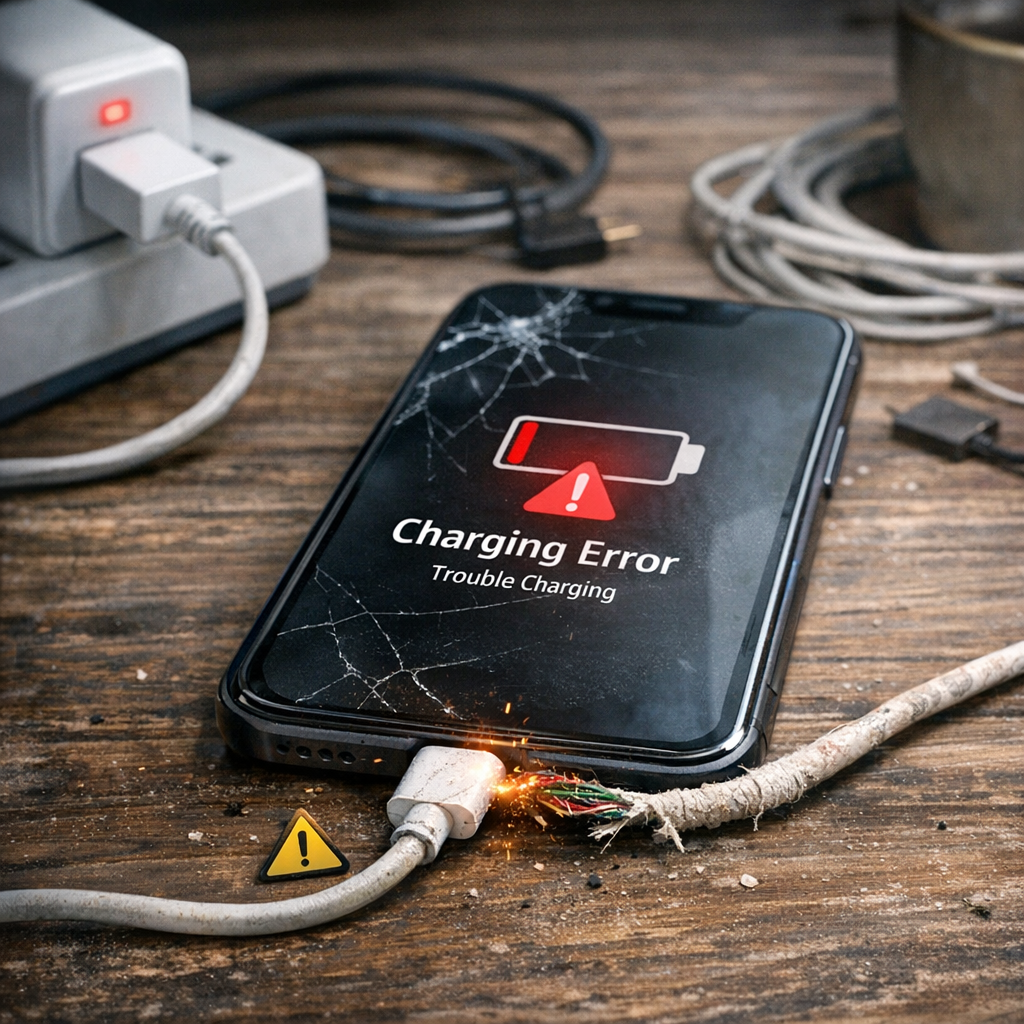
Your phone’s battery doesn’t fail overnight—it wears down because of small, repeated charging habits that create heat and chemical stress. The good news: a few simple changes can noticeably extend your battery’s lifespan, keep capacity higher for longer, and reduce the chance of swelling or sudden shutdowns. Below, we break down the most common mistakes, explain what really happens at 100%, and share practical rules you can follow every day.�
Is it bad to keep your phone fully charged all the time?
Keeping your phone at 100% charge for long periods is one of the fastest ways to age a lithium-ion battery. Modern smartphones are designed to stop “true” overcharging once they hit full capacity, but staying at 100% while still plugged in keeps the battery under high voltage stress. This high state of charge accelerates chemical degradation inside the cells, especially when combined with heat from the charger, case, or ambient temperature.�
Research and battery experts consistently show that time spent at full charge matters more than the act of reaching 100% itself. For example, a battery left at 100% for many hours each night can lose capacity faster than one that regularly cycles between moderate levels. Some estimates suggest that prolonged, repeated full charges can reduce usable capacity by up to 20% within a year, depending on heat exposure and charging patterns.�
That doesn’t mean you must never charge to 100%. If you have a long day ahead, are traveling, or need maximum backup, topping up to full is exactly what the battery is for. The issue is making 100% your default state for hours on end, day after day. For daily use, aiming for an 80–85% ceiling (or using built-in “optimized charging” features) reduces voltage stress and helps the battery stay healthier over hundreds of charge cycles.�
Practical takeaway:
It’s fine to hit 100% occasionally when you need it.
Avoid keeping the phone plugged in at 100% for many hours regularly.
Use 80% limits or optimized charging for overnight and desk charging to minimize time at full.�
What happens if you leave a device plugged in even after it is charged 100%?
When your phone reaches 100% and remains plugged in, it doesn’t keep “overcharging” in the old-school sense. Instead, the battery management system switches to a maintenance mode often called trickle charging. In this state, the phone lets the battery drop slightly (for example, from 100% to 99%) and then tops it back up to 100% repeatedly to keep the display showing full. These tiny micro-cycles may seem harmless, but they generate extra heat and keep the battery in a high-voltage zone where electrolytes break down faster.�
Over time, this pattern leads to three major problems:
Faster capacity loss: Repeated micro top-ups at high voltage stress the lithium-ion chemistry, causing the battery to hold less charge after a few hundred cycles. Users often notice their phone draining much faster within 6–12 months of habitual overnight plugging.�
Heat buildup and swelling risk: If the phone is under a pillow, on a bed, or in a thick case while charging, heat can’t escape. Sustained temperatures above ~45°C can damage cells, cause swelling (bulging back covers), and in rare worst cases, increase the risk of short circuits or thermal events.�
Component strain: Continuous high-voltage maintenance can stress the charging IC and motherboard over the long term. While modern phones are robust, chronic heat and voltage stress can contribute to issues like charging failures, random reboots, or reduced performance throttling.�
It’s also worth noting that the number of hours plugged in isn’t the core problem by itself. What hurts the battery is the combination of time spent at 100% plus heat. A phone that sits at 100% in a cool environment will degrade slower than one that sits at 100% while warm. Still, minimizing long stretches at full charge is the safest habit for long-term health.�
Practical takeaway:
Unplug once you’re near full if you don’t need the extra capacity.
Avoid overnight charging on soft surfaces or under covers.
Use optimized/adaptive charging features that delay the final top-up until you wake up.�
What are the three mistakes when charging your phone?
While there are many small habits that affect battery life, three mistakes stand out as the most damaging in everyday use. Avoiding these will give you the biggest longevity gains with minimal effort.�
Mistake 1: Regularly charging to 100% and leaving it plugged in for hours
As explained above, keeping the battery at full charge for long periods creates high voltage stress and micro top-up cycles that accelerate wear. This is especially harmful when combined with heat from fast chargers, thick cases, or warm rooms. Over months, this habit can cut your battery’s effective lifespan roughly in half compared to gentler charging patterns.�
How to fix it:
Use 80% charge limits or “optimized charging” modes when available.
Unplug after reaching 80–85% for routine daily charging.
Reserve 100% charges for days when you truly need maximum backup.�
Mistake 2: Frequently draining the battery to 0% (deep discharges)
Lithium-ion batteries also degrade faster when regularly pushed to very low levels. Dropping below 20% often—and especially to 0%—puts chemical stress on the cells and can lead to deeper discharge cycles that reduce total cycle count. Many users unknowingly train their phones to age faster by waiting until the phone shuts down before charging.�
How to fix it:
Follow the 20–80 rule: try not to go below 20% and avoid routinely charging above 80–85%.
Plug in during the day for short top-ups instead of one deep charge from near-empty.
If you must drain the battery occasionally (for calibration or travel), don’t make it a daily habit.�
Mistake 3: Charging in hot conditions or trapping heat
Heat is the single biggest enemy of lithium-ion batteries. Charging while the phone is hot—due to direct sunlight, a warm car, gaming, video calls, or being under a pillow—speeds up chemical degradation dramatically. Fast charging adds more heat, and thick or insulated cases can make it worse. Even if you follow perfect charge levels, consistent heat exposure will shorten battery life.�
How to fix it:
Charge in cool, ventilated spots; avoid beds, sofas, and direct sunlight.
Remove thick cases during fast charging or heavy use if the phone gets warm.
Avoid intensive tasks (gaming, 4K video, GPS navigation) while fast charging.
Use certified chargers and cables that match your phone’s power specs.�
Simple habits that extend battery life
Beyond avoiding the three big mistakes, a few easy habits can further protect your battery:
Use optimized/adaptive charging: Most modern phones offer features that learn your routine and delay the final top-up to 100% until just before you unplug. Enable these for overnight charging.�
Prefer moderate charging speeds when possible: Ultra-fast charging is convenient but generates more heat. For overnight or desk charging, a slower charger can be gentler on the battery.�
Store devices at ~50% if not using for weeks: If you’re putting a phone or power bank away for months, store it around 40–60% charge, not at 0% or 100%. Batteries stored fully charged or fully drained lose capacity faster over time.�
Keep software updated: Battery management improvements often arrive in OS updates, including better thermal controls and charging optimization.�
Monitor battery health: Use built-in battery health tools to track maximum capacity. If health drops significantly (for example, below 80%), consider a battery replacement to restore runtime and performance.�
When it’s okay to charge to 100%
You don’t need to treat your battery like a fragile object. Charging to 100% is appropriate when:
You have a long day with heavy use and no access to charging.
You’re traveling, commuting, or in situations where battery anxiety would limit your productivity.
You occasionally need full capacity for navigation, photography, or content creation sessions.
The key is not making 100% your default state for hours every night. Mix in 80% charges for routine days, and your battery will thank you over the long run.�
Quick checklist for healthier charging
�Enable optimized/adaptive charging in settings.
�Aim for 20–80% for daily use; hit 100% only when needed.
�Unplug after reaching 80–85% for routine top-ups.
�Avoid charging on beds, under pillows, or in direct sun.
�Remove thick cases during fast charging if the phone gets warm.
�Use certified chargers and cables that match your phone’s specs.
�Store spare devices and power banks at ~50% for long-term storage.�
By focusing on these habits, you’ll reduce heat and voltage stress—the two main drivers of battery aging—and keep your phone running longer between charges for years to come.�